
Drupal 7
We overhauled the online admissions process for a major Canadian university, making it easier for users to apply to grad school.
Recently we needed to import a fairly large dataset into Drupal. There were 200,000 items to import, the data changed relatively frequently, and we needed them to be Drupal entities so that we could make them searchable with Apache Solr. We would normally import data using Feeds or Migrate. This time, however, we had higher speed requirements, so we tried something different: importing directly into the database.
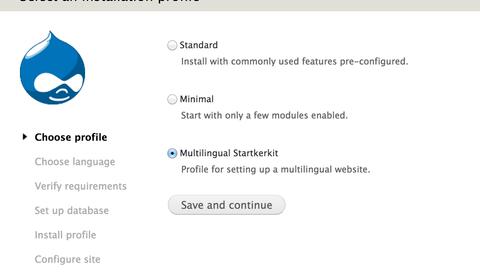
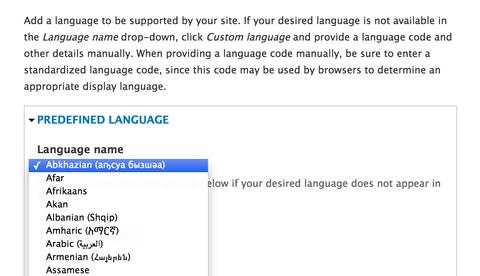
In an increasingly global world, Drupal core's support for multilingual content has made it a favourite CMS among large organizations. Despite that, Drupal site-builders and develpoers are often stumped by the myriad of possible approaches and tricks involved in making it work. Over the last few months, Evolving Web has worked together with Acquia to put together a multilingual site building course to walk you through the process step by step and unfuddle much of the complexity.
#states is a new Form API property in Drupal 7. In core, it can only depend on a limited set of things (for example a checkbox being checked/unchecked), but it turns out it's possible to extend it to use regular expressions. Here's how!
Need a simpler UI to let administrators manage fields? We recently created a new contributed module called Simple Field. This module simplifies the UI for creating fields and adding them to content types and entities. It also provides granular permissions, so you're not stuck with a single catch-all permission for managing fields. You can see a demo of the module in action at simplefield-demo.ewdev.ca.
Multilingual websites are complicated, due to the wide variety of ways to convey multilingual content to users. Each multilingual website seems to come with a different set of requirements for how content translation is handled. In this post, I'll take a look at approaches to translating content in Drupal 7 and the new possibilities that the Entity Translation module provides.
We've been hearing a lot about responsive design and the future of the web recently. At DrupalCamp Montreal this September, Jen Simmons and Jake Strawn talked about why responsive design is taking hold. I was inspired to try out some of the techniques they talked about, and decided to convert evolvingweb.ca to be more responsive.
In Drupal 6, module developers often use Nodes as an all-purpose method for having objects that can be saved into the database. This hack avoids having to write a lot of boilerplate CRUD for all custom data used in your modules. Nodes in D6 are a powerful tool for this use case when combined with the flexibility of CCK's custom fields, and the simplified integration with contrib modules. However, using Nodes for every piece of specialized content means a lot of overhead; contributed modules often modify Nodes and added hooks that operated on them. This is a major performance concern, not to mention a bad architecture for unrelated data.
In part 1 of this tutorial, I covered how to make your own custom field and widget. Here I'll cover how to validate that input and format it using a custom formatter.
The power of Drupal stems from our ability to customize it. One common requirement is the need to define complex fields with custom widgets and formatters that are unavailable in core or contributed modules. This allows us to collect more sophisticated data from users, and define exactly how that data is presented. Drupal 7's Field API provides the hooks needed to make just about any field we want.
- 1 of 2
- ››